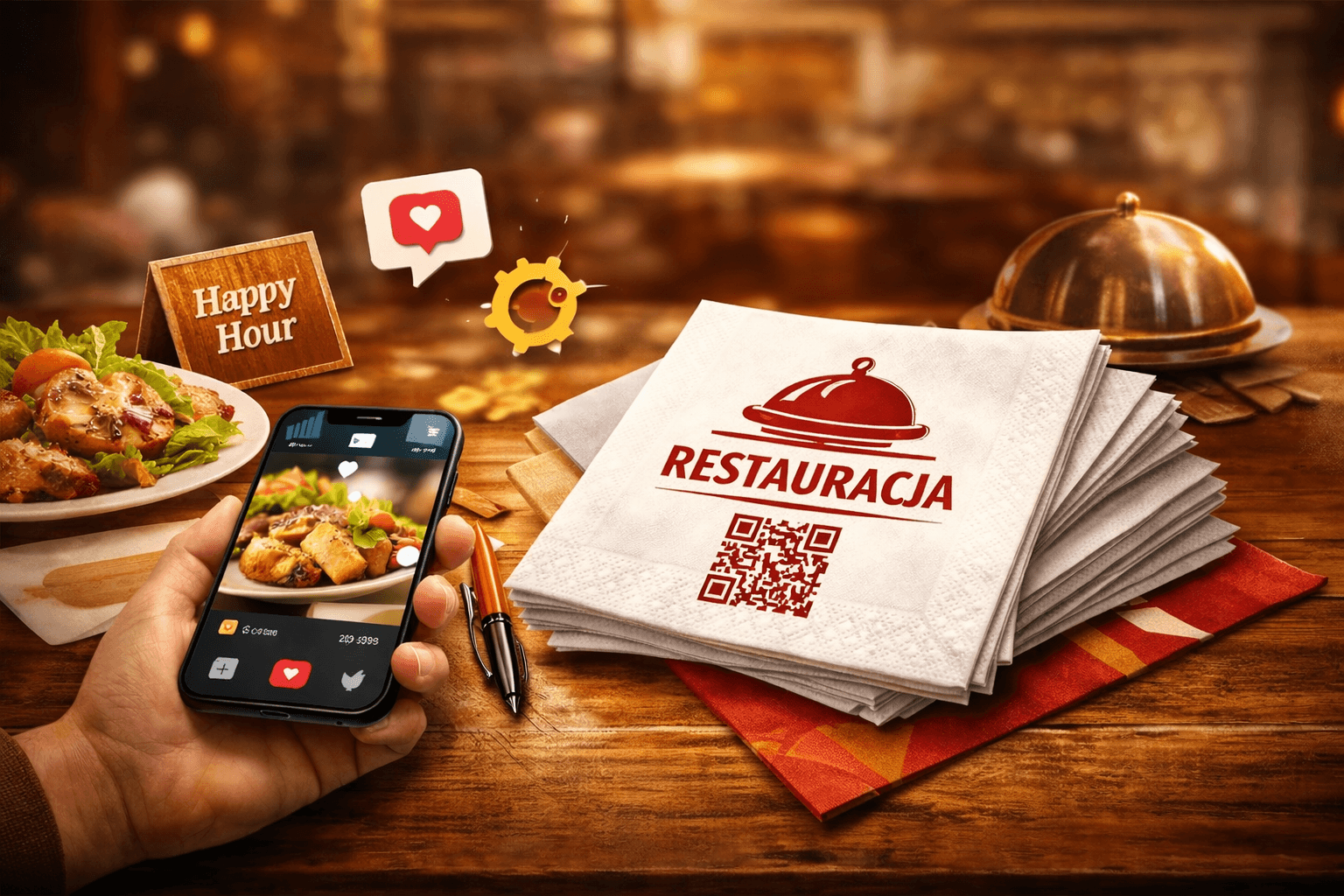
Every day, millions of restaurant guests reach for a napkin. For several minutes it sits in their hands, on their lap, in plain sight. In that window, a small QR code on the napkin can turn a casual diner into an Instagram follower, a Google reviewer, or a loyalty programme member.
QR codes in hospitality are not new – the COVID-19 pandemic made scanning codes in restaurants second nature. But most venues stopped at plastic table stands. A napkin with a QR code works differently: the guest holds it, looks at it throughout the meal, and interacts with it naturally.
This article shows how restaurants are using QR codes on napkins in practice to build their online brand, collect reviews, cut operational costs, and strengthen guest loyalty.
What Does a QR Code on a Napkin Actually Do?
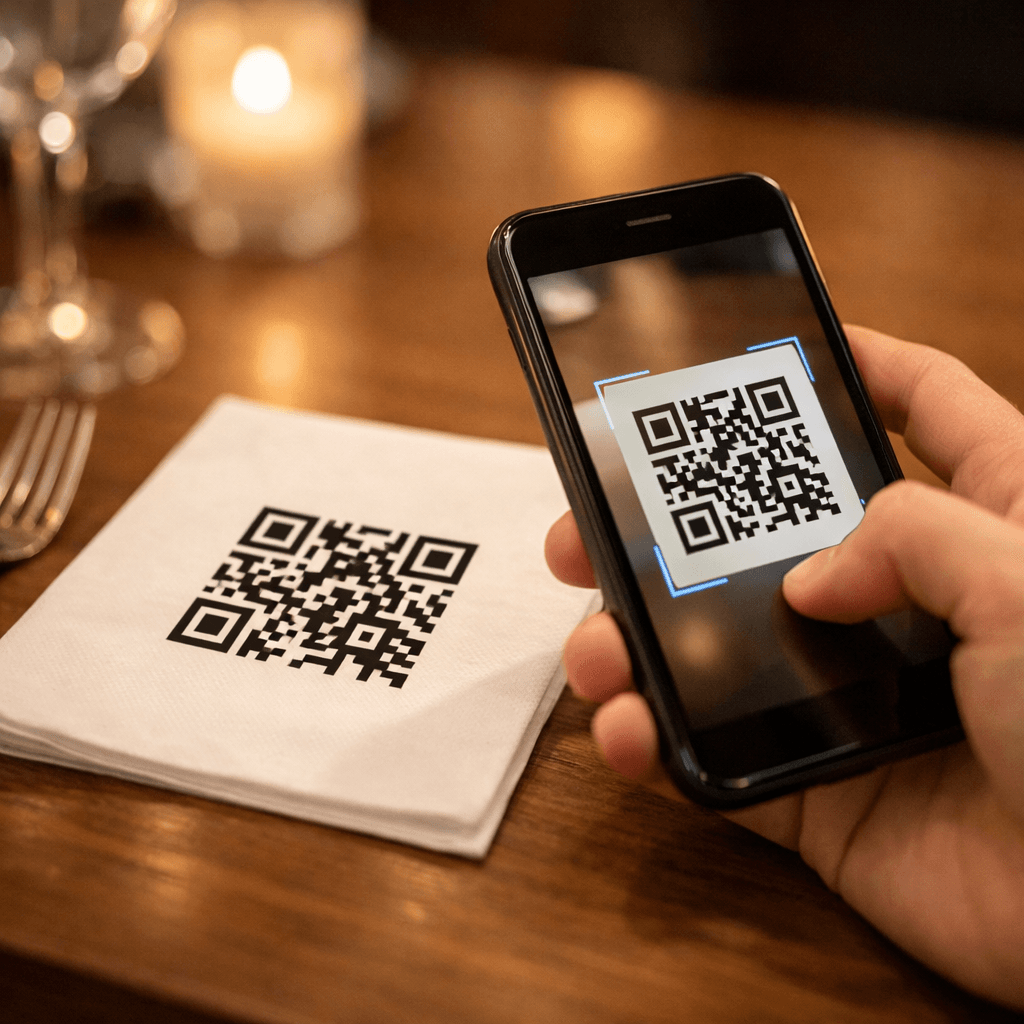
A QR code on a napkin bridges the physical restaurant visit and the brand's digital ecosystem. The guest scans the code with a smartphone and is taken to whatever online destination the restaurateur has chosen – in under a second.
Most common uses
- Online menu – always current, no reprinting costs when dishes or prices change
- Google Maps listing – with a natural prompt to leave a review
- Loyalty programme – digital registration without a physical card
- Social media profile – Instagram, Facebook, TikTok
- Restaurant story page – chef's philosophy, sourcing story, behind the scenes
- Satisfaction survey – quick post-meal feedback
- Seasonal offers – current promotions, tasting events, themed evenings
Why a napkin outperforms a table stand
A plastic QR stand is a static fixture guests quickly learn to ignore. A napkin is different – the guest actively picks it up, holds it, and pays attention to it. The contact is physical and repeated. It is the difference between a motorway billboard and a business card placed directly into someone's hand.
A napkin also travels with the guest: into a takeaway bag, home, to the office. A table stand stays behind. A QR napkin has reach beyond the restaurant walls.
Digital Menu on a Napkin – Savings and Convenience
Printed menu cards are a recurring operational cost: every dish change, price update, or description tweak requires a reprint. An online menu can be updated in minutes at zero printing cost.
The numbers
A restaurant with 30 tables updating its menu 4 times a year:
- Print cost for 40 menu cards × 4 = 160 cards per year
- Average print cost per card: €2–4
- Annual cost: €320–640
A QR code on the napkin eliminates this expense entirely. You can update the online menu daily at no extra cost.
Practical tips
- Use a dynamic QR code pointing to a responsive page (mobile-optimised)
- Ensure the menu loads in under 2 seconds
- Add a short prompt next to the code: "View our menu" or "See today's specials"
- Keep prices and availability current – an outdated online menu damages trust
Collecting Google Reviews – Building Local SEO
Google Maps reviews are one of the strongest local ranking factors. A restaurant with 200 reviews and a 4.5★ average ranks higher than a venue with 20 reviews and a 4.8★ average. Volume matters enormously.
How a napkin QR code increases review count
The problem most restaurants face: the guest was satisfied but forgets to leave a review after leaving. The barrier is too high – they need to open Google Maps, search for the restaurant, then tap "Write a review."
A QR code on the napkin shortens that journey to a single scan. The guest is still at the table, in a good mood after the meal, and holding the napkin. That is the perfect moment for a prompt.
Industry benchmarks
Restaurants that deployed QR codes linking to Google Maps report a 40–80% increase in new reviews within the first 3 months. Each new review signals to Google's algorithm that the venue is active and visited.
Prompt wording that works
- "Enjoyed your meal? Help others find us – scan and leave a review" – simple and direct
- "Your feedback helps us grow" – relational tone
- "Leave a review and get 10% off your next visit" – financial incentive
Avoid pushy language. The prompt should feel like an invitation, not a demand.
Loyalty Programme Without a Physical Card
Physical loyalty cards have serious drawbacks: guests lose them, forget to bring them, or simply have no room in their wallet. A digital loyalty programme removes all of those barriers.
How it works in practice
- Guest scans the QR code on the napkin
- Lands on the loyalty programme registration page
- Enters name, email, or phone number
- Receives a digital card saved to their phone (Apple Wallet, Google Wallet)
- On subsequent visits, scans the card or provides their phone number
Benefits for the restaurant
- Customer database – collect contact details for targeted offers
- Analytics – know who returns, how often, and how much they spend
- Communication – push notifications about new menus, promotions, and events
- Retention – loyalty programme members return 2–3 times more often than non-members
Tools for implementation
No custom app required. Platforms like Stamp Me, LoyaltyLion, or Square Loyalty offer ready-made solutions from €25–75 per month. Integrating with a QR code on your napkin takes minutes.
Social Media Growth – QR to Instagram
A QR code linking to the restaurant's social media profile grows followers without paid advertising. A guest who has just enjoyed an excellent meal is in the ideal moment to tap "Follow."
Instagram strategy
- QR code on napkin → restaurant Instagram profile
- Prompt text: "Follow us for the latest dishes and events"
- Extra incentive: "Tag us @restaurant in your photo – the best shot each month wins dinner for two"
TikTok strategy
Restaurants that post short kitchen clips, dish assembly, or behind-the-scenes service footage see strong engagement. A TikTok-targeted QR on the napkin works especially well in venues with a younger clientele (18–35).
Measurable results
With a dynamic QR code you can track the exact number of daily, weekly, and monthly scans. Compare follower growth against scan volume to assess real conversion rates.
Satisfaction Surveys – Real-Time Feedback
Traditional satisfaction surveys – paper forms, a waiter asking "Was everything alright?" – have low response rates. Guests answer vaguely or avoid causing inconvenience. A digital survey scanned from a napkin invites honest, anonymous feedback.
Building an effective survey
- Maximum 3–5 questions (any more and the guest abandons it)
- Closed questions (1–5 scale) plus one open-ended question
- Completion time: under 60 seconds
- Thank-you message: "Thanks! Ask for a free coffee on your next visit"
Tools
Google Forms (free), Typeform, SurveyMonkey – all generate a link you can embed in a dynamic QR code.
Operational value
Regular feedback collection lets you catch issues before they become public reviews. Better to learn about a cold dish from an anonymous survey than from a one-star Google review.
Designing a QR Napkin – Practical Guide
Adding a QR code to a napkin involves a few design decisions that affect how well it works.
Code size and placement
- Minimum QR code size: 2×2 cm (for simple, short URLs)
- Optimal size: 2.5×2.5 cm – easy to scan even in low lighting
- Placement: napkin corner, outside the main logo area
- Never place the code in the centre of the napkin – it disrupts the table setting aesthetic
Contrast and readability
- Dark code on light background: best scan reliability
- Avoid coloured QR codes – they reduce scan success rates
- Maintain a 3–5 mm clear margin around the code (the quiet zone)
- On dark napkins, consider printing a white field behind the code
Accompanying text
A QR code without description is ignored by 90% of guests. Always add a short line explaining the benefit:
- "Scan → Online menu"
- "Scan → Leave a review"
- "Scan → Join our loyalty programme"
Text should be at least 6 pt and legible on the napkin stock.
Pre-print testing
Before committing to a full production run:
- Print a sample on the target material (correct grammage and colour)
- Test scanning on at least 3 different smartphones (iOS and Android)
- Check scanning under typical restaurant lighting (often dimmer than office light)
- Confirm the destination page loads correctly on mobile
Static vs Dynamic QR Code – Which to Choose
The choice between static and dynamic has major implications for marketing flexibility.
Static code
- The URL is encoded directly into the code graphic
- Requires no external service
- Cannot be changed after printing – if you move the page, all printed napkins become useless
- Free, with no monthly fees
Dynamic code
- The code points to a short intermediary link
- You can change the destination URL at any time without reprinting
- Analytics available: scan count, location, device, time of day
- Cost: from free (limited plans) to €7–25/month (full analytics)
Recommendation
For restaurants we unequivocally recommend a dynamic code. A single napkin print run lasts several months – during that time you can redirect the code multiple times: menu today, Valentine's offer next week, loyalty programme next month. The flexibility pays for itself at the first campaign change.
Case Study: 30-Table Pizzeria
A pizzeria in a mid-sized city with 30 tables and an average of 150 guests per day deployed QR codes on dispenser napkins.
Implementation
- QR target: Google Maps listing requesting a review
- Napkin text: "Enjoyed the pizza? Help others find us – scan and leave a review"
- Additional cost: €0 (napkins were already printed with a logo; the QR was added to the design)
- Timeline from decision to deployment: 3 weeks
Results after 6 months
- Google reviews: grew from 87 to 214 (+146%)
- Average rating: maintained at 4.6★
- Organic traffic from Google Maps: +35%
- New customers citing Google: approximately 8–12 per week (waiter survey data)
Owner's takeaway
"I didn't expect something this simple to have such impact. We order napkins every month anyway – adding the QR cost nothing extra. Guests are happy to scan because it's natural – they're already holding the napkin with their phone on the table."
Case Study: Fine Dining Restaurant
A premium restaurant in a major city centre with 18 tables deployed QR codes on 3-ply paper napkins with a single-colour print.
Implementation
- QR target: digital loyalty programme (Blovly platform)
- Napkin text: "Join the Wine & Dine Club – scan and earn points"
- Design: minimalist QR in the bottom corner, alongside the restaurant logo
Results after 4 months
- Loyalty programme sign-ups: 340
- Return rate of programme members: 28% revisit within 6 weeks (vs 12% without)
- Average spend of programme members: 15% higher than non-members
- Customer acquisition cost via napkin QR: under €0.25 (vs €4–6 from Facebook Ads)
Mistakes to Avoid
1. QR code linking to a non-mobile-friendly page
The guest scans with a phone – the page must be fully responsive. A page that fails to load properly on a 6-inch screen loses the guest in 3 seconds.
2. No call to action
A bare QR code without explanation is ignored by 90% of guests. Always add 3–5 words explaining the benefit of scanning.
3. Code too small
A code smaller than 1.5 cm does not scan reliably on tissue paper. Invest in a minimum 2×2 cm size.
4. Static code when campaigns will change
If you plan to rotate marketing goals (menu → reviews → loyalty programme), a static code forces you to reorder napkins. A dynamic QR eliminates this problem.
5. No testing on production material
A QR code tested on a computer screen or laser printer does not guarantee quality on tissue stock. Always test on a production sample.
Full Cost Breakdown
One-off costs
- Graphic design with QR code: €0 (if added to an existing napkin design)
- Dynamic QR generator: €0–12/month (depends on platform)
- Printed napkins (10,000 units): same price as standard branded napkins (QR is part of the print)
Recurring costs
- Hosting for the destination page (online menu, landing page): €0–8/month
- Loyalty programme platform (optional): €25–75/month
- Updating the dynamic QR destination: €0 (takes 30 seconds)
ROI
At 150 guests per day and a 15% scan rate:
- 22 scans per day × 30 days = 660 scans per month
- At 30% conversion to the goal (review, sign-up, follow): 198 actions per month
- Cost per action: under €0.12
For comparison: Google Ads cost €1–4 per click; Facebook Ads cost €0.50–2 per click.
How to Order QR-Coded Napkins
Ordering napkins with a QR code from a manufacturer is straightforward and no different from a standard branded napkin order.
Step by step
- Generate a dynamic QR code – use a dynamic generator (e.g. QR Code Generator, Bitly, Rebrandly)
- Download the code in vector format (SVG or EPS) – ensures the sharpest print
- Send the file to the manufacturer together with the napkin artwork
- Wait for a sample and test scannability on the production material
- Approve and order – standard lead time: 7–14 working days
What to prepare for the manufacturer
- Restaurant logo in vector format (AI, EPS, PDF)
- QR code in vector format (SVG, EPS)
- Placement instructions for the code on the napkin
- Accompanying text (e.g. "Scan → View menu")
- Preferred napkin format and grammage
Summary
A QR code on a napkin is one of the most affordable and effective marketing solutions in hospitality. It bridges the guest's physical presence in the restaurant with your digital ecosystem – from Google reviews through social media to loyalty programmes.
Key principles:
- Use a dynamic QR code – change the destination without reprinting
- Always add a call to action – a bare code is ignored
- Test on a production sample – scannability on paper differs from a screen
- Measure results – scan analytics let you optimise campaigns
- Start with one goal – better to do one thing well than four poorly
A QR-coded napkin costs the same as a logo napkin. The difference? The first one works for your brand online around the clock, collecting reviews, building a customer base, and increasing your visibility on the web.